FREE ONLINE REAL ESTATE TOOL • NO LOGIN REQUIRED
Free Listing Photo Quality & Resolution Checker
Verify if your property image dimensions meet MLS, Zillow, and Redfin resolution standards.
Configure Parameters
Calculations update live in real-time. Zero server delay.
LIVE AI VISUAL PREVIEW • SUB-2S INFERENCE
Test Instant AI Photo Edit
Powered by Google Nano Banana Lite Edit on fal.ai. Transform sample rooms or upload your listing photo.
Aspect Ratio:
Original Source Photo
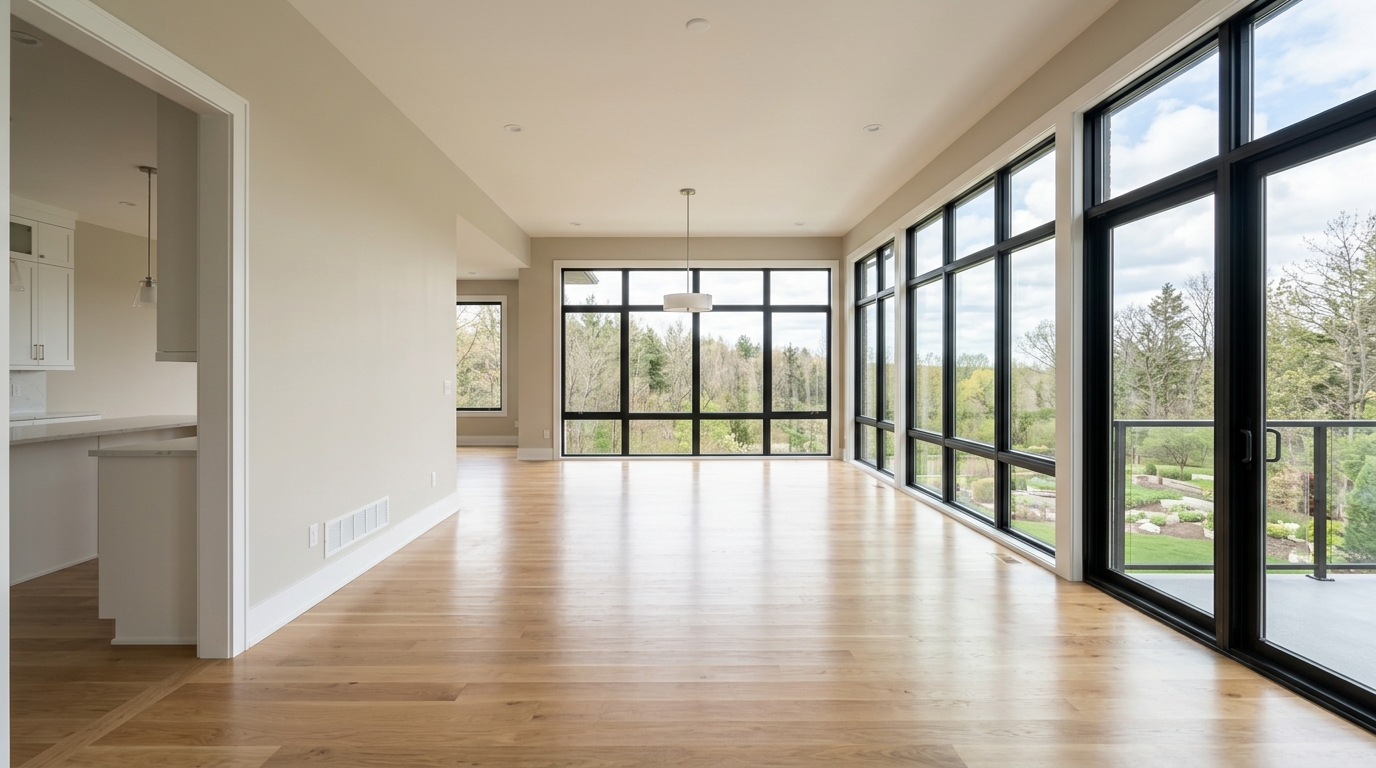
Select a sample or upload your photo, then click Run AI Visual Edit.
Official Definition & Usage
Free Listing Photo Quality & Resolution Checker: Verify if your property image dimensions meet MLS, Zillow, and Redfin resolution standards.
2048×1536MLS Recommended StandardSource: RESO Guidelines
How to Use the Photo Resolution Guide
1
Enter Details & Photo
Fill in your room counts, pricing quotes, or select a room photo.
2
Instant AI Output
View real-time calculations or run the sub-2s Google Nano Banana Lite preview.
3
Copy & Render in 4K
Copy output directly or launch DomyraAI Studio to render in full 4K UHD.
Frequently Asked Questions
Does DomyraAI upscale low-resolution images?
Yes! Our built-in 4K upscaling engine enhances pixel density and sharpens architectural details automatically.